Writing Your First VBA Macro
Share: Facebook | Twitter | Whatsapp | Linkedin Visits: 1025
We have seen how to record a macro in the previous topic, we will see how to write simple Hello World VBA macro. Follow the below steps to do this to show the “Hello World!” message box to the user.
Hello World VBA- Writing Your First Macro – Step 1: Open the VBA Editor (press Alt+F11)
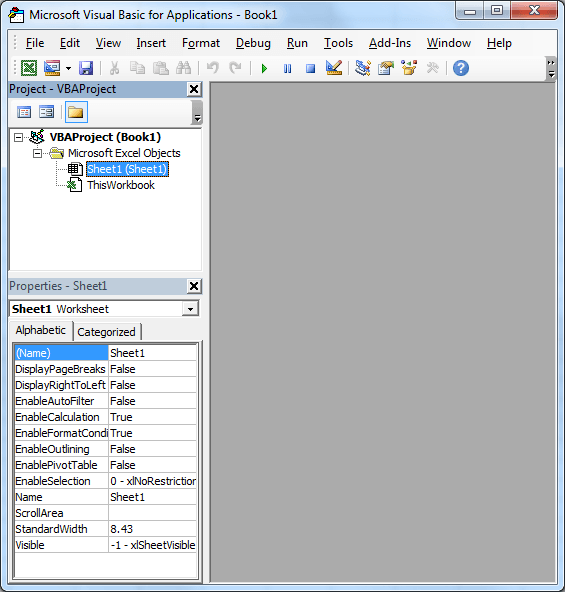
Hello World VBA- Writing Your First Macro – Step 2: Select ‘Module’ from the Insert Menu

Hello World VBA- Writing Your First Macro – Step 3: Start a new procedure called ‘sbHellow’
To do this write the following line in the module.
Sub sbHello()
And then press Enter. You should see the code as follows:
Sub sbHello()

End Sub
Hello World VBA- Writing Your First Macro – Step 4: This is called a sub procedure where you will write the code as per your requirement.
Our requirement is to show a message as “Hello World!” to do this write following line in the procedure.
MsgBox "Hello World!"
Now your procedure should look like this:
Sub sbHello()
MsgBox "Hello World!"
End Sub
Hello World VBA- Writing Your First Macro – Step 5: You are Done! Yes, now run your macro by pressing ‘F5’
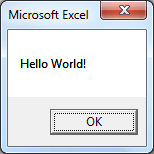
You should see Hello World! message box as shown below: